
Ping, jitter, packet loss: what actually matters for online gaming
The ping shown in-game only tells part of the story. Here's what to check if your matches feel choppy despite a decent ping.
This article contains affiliate links. Installing a game through one of them may earn PicGamers a commission. It stays free for you and never influences our recommendations.
A lot of players only watch the in-game ping counter, when a stable 40ms ping with jitter can actually be worse than a constant 60ms ping.
Jitter, the real culprit behind “choppy” feeling
Jitter measures how much your ping varies over time, not its average value. A ping bouncing between 20 and 90ms produces noticeable stutter even if its average looks fine — this is often the real cause of a “sticky” feeling that ping alone doesn’t explain.
Wi-Fi remains suspect number one
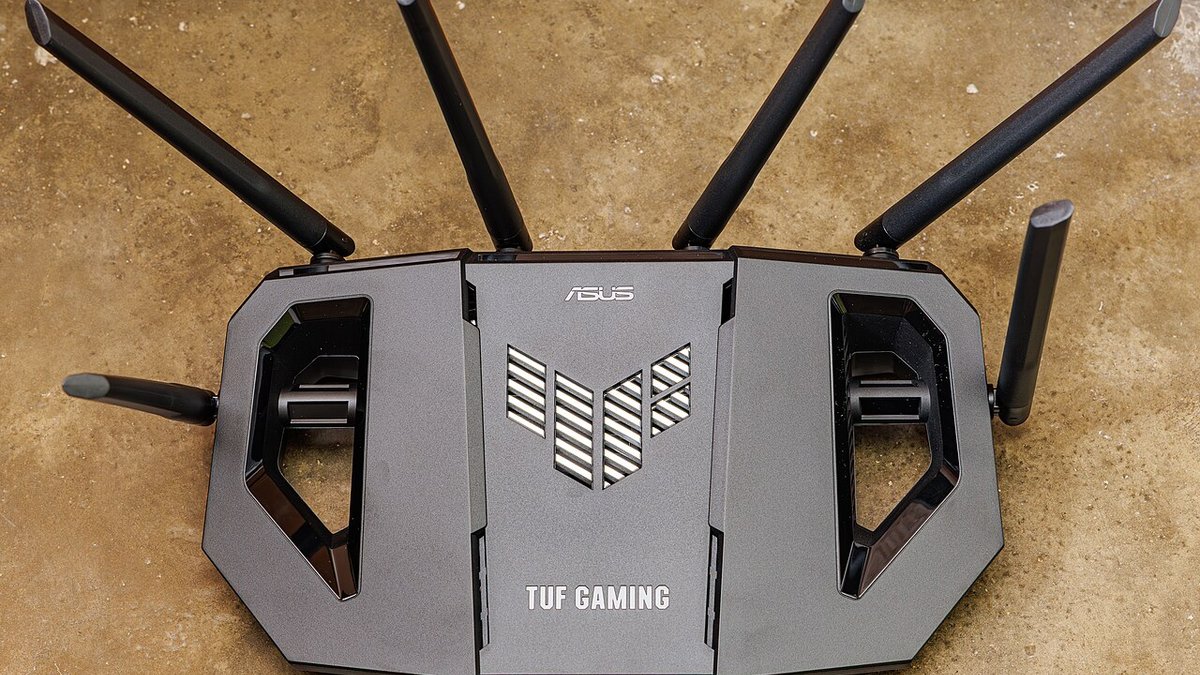
Even a good, recent Wi-Fi router introduces variable latency in the presence of interference (microwaves, neighbors, thick walls). A direct Ethernet cable eliminates the problem at the source — it’s the single most impactful change you can make, even before switching ISPs.
In practice
- Test your jitter, not just your ping (tools: PingPlotter, or
ping -twith manual tracking) - Switch to Ethernet if you play competitively, even 5 meters from the router
- Enable QoS (Quality of Service) on your router if available, prioritizing game traffic
- Restart your router regularly — a filling buffer degrades latency over time
Verdict
Low ping guarantees nothing if jitter is high. An Ethernet cable remains, by far, the most reliable and cheapest fix.
 Ragnarok Online: World JourneyPlay nowRagnarok Online: World JourneyPlay now