Generative AI and modding: creating textures with Stable Diffusion, the practical guide
Retexturing an old game with a local AI instead of by hand: what actually changes in quality, and the hardware you need to keep pace.
This article contains affiliate links. Installing a game through one of them may earn PicGamers a commission. It stays free for you and never influences our recommendations.
Retexturing a game by hand takes hundreds of hours. A good chunk of the modding community has moved to AI upscaling and texture generation — not to replace the artist, but to rough out the work.
The workflow that actually works
The most common method: upscale the original textures with a specialized model (ESRGAN-type, trained on games), then run them through Stable Diffusion with a low denoising strength to add detail without betraying the original style. An artist then touches up the textures that come out wrong (faces, logos, text) — AI alone still produces artifacts on those specific elements.
The hardware you need
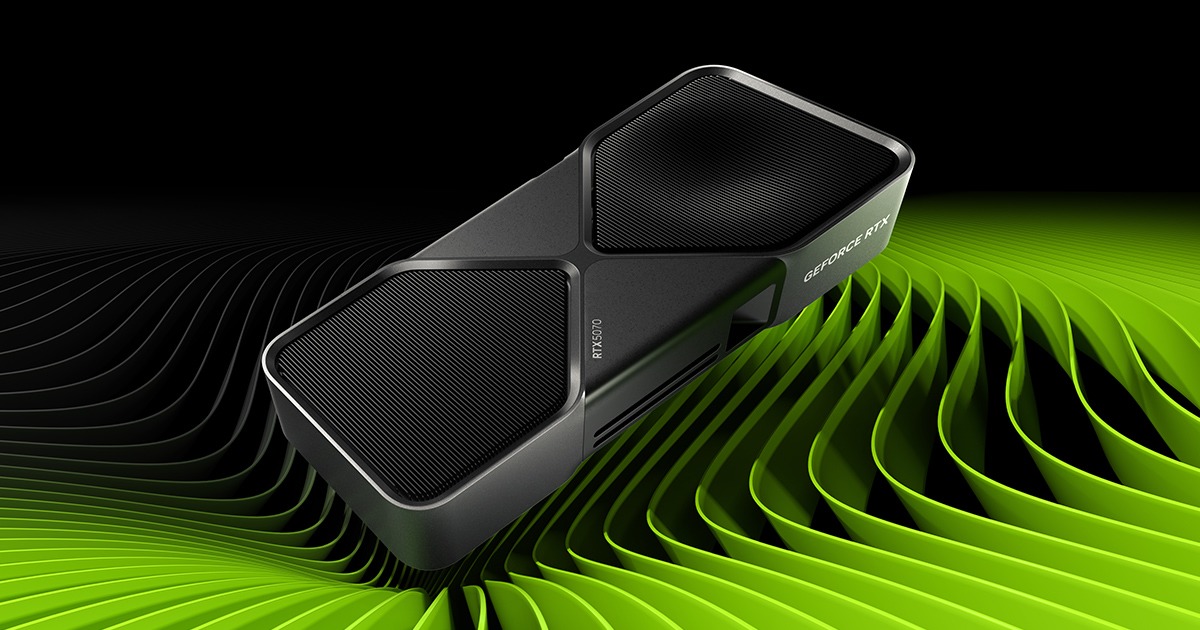
A local Stable Diffusion XL model runs comfortably with 12GB of VRAM. Below that, generation times balloon (over 30 seconds per image) and force you to lower your working resolution. For a full mod pack (several hundred textures), a 16GB card genuinely changes the total project timeline.
The rights question
A point too often ignored: republishing a mod with textures generated from copyrighted assets remains a legal gray area unless the game’s publisher has explicitly allowed AI modding. Checking the game’s terms of use before publishing is still essential.
 NTE: Neverness to EvernessPlay now
 Rise of KingdomsPlay now