Mechanical keyboards: which switches should you pick?
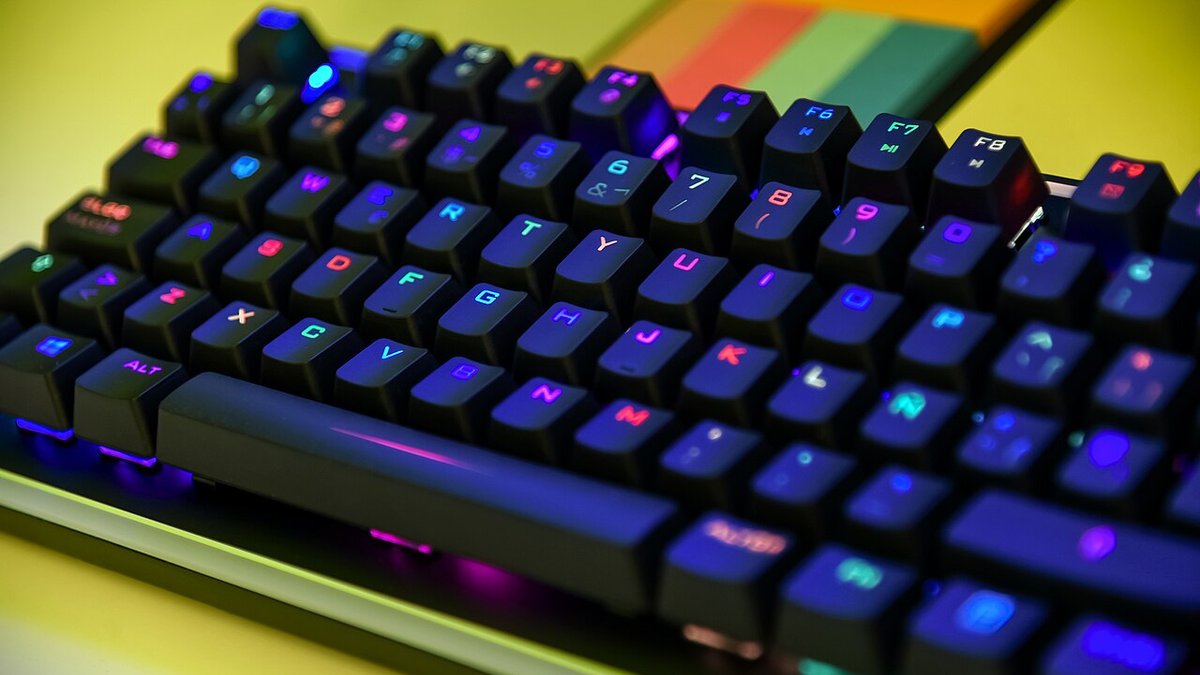
Linear, tactile, or clicky: each switch family favors a different use case. Picking the wrong one shows up in the first session.
This article contains affiliate links. Installing a game through one of them may earn PicGamers a commission. It stays free for you and never influences our recommendations.
The “best switch” debate has no universal answer — the right one depends on what you actually do most on your keyboard.
The three families
Linear (Red-type): a smooth keystroke with no bump or click. Favored for gaming thanks to fast, repeated actuations (competitive FPS), but can cause accidental keystrokes during heavy typing sessions.
Tactile (Brown-type): a light bump signals actuation without an audible click. The most versatile compromise — good for gaming, comfortable for typing long text.
Clicky (Blue-type): a pronounced tactile AND audible click. Satisfying to use, but avoid it in an open office or on calls — the noise is real, not just an exaggerated reputation.
The often-overlooked factor: spring weight
Beyond the family, spring weight (measured in gram-force) changes the feel a lot. A switch that’s too light fatigues you less but raises the risk of accidental keystrokes; one that’s too heavy protects against that but tires you faster over long sessions. The 45-55g range suits most mixed gaming/office use.
Our recommendation by use case
- Competitive FPS only: light linear (35-45g).
- Mixed gaming/work use: tactile, medium weight (45-55g).
- You never game next to someone who’s sleeping: clicky, otherwise skip it.
Go linear if
- You play competitively, fast repeated actuations
- You don't type much long-form text
- Relative quietness matters to you
Go tactile or clicky if
- Office/typing use dominates
- You like physical feedback on keystrokes
- Noise isn't an issue in your environment
 NTE: Neverness to EvernessPlay now
 Ragnarok Online: World JourneyPlay now